Releasing Tickets
When Invoices are rejected and they have referenced Field Tickets, the referenced documents will most likely need to be released before Invoice resubmission.
To release Field Ticket from a rejected Invoice:
- In the Workbench Invoices folder, double-click the Invoice with the Rejected status.
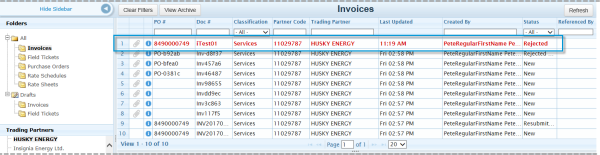
The document is displayed in the full-sized window.
|
NOTE |
Notice in the example image below that there are three (3) Field Tickets referenced: |

- Click the Release Ticket button.
The Release Ticket window will be displayed.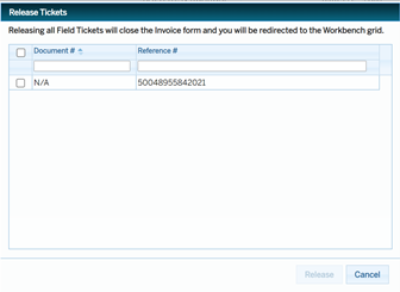
- Click the check box of the Field Ticket(s) that need to be released from the Invoice.
Field Tickets can be selected individually: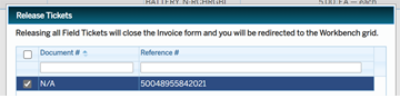
Or, in any combination of multiple selection: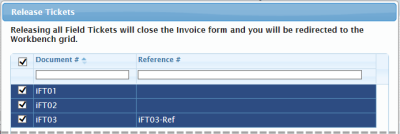
- Click the Release button.
- Review the Invoice at the Line Item level.
|
NOTE |
When documents are released, all their associated lines are removed from the Invoice.
|

- Fix the document accordingly. Refer to Correcting Documents, page 1 for details.
|
NOTE |
Released Field Tickets cannot be referenced again until the Invoice is resubmitted. |
|
NOTE |
If the Field Tickets folder is checked, the released Field Ticket will be displayed, ready to be referenced again. |
